 PressTrak
PressTrak
PressTrak
PressTrak is built to be simple. No training needed, no complicated setup — just create an account and start tracking your inventory right away.
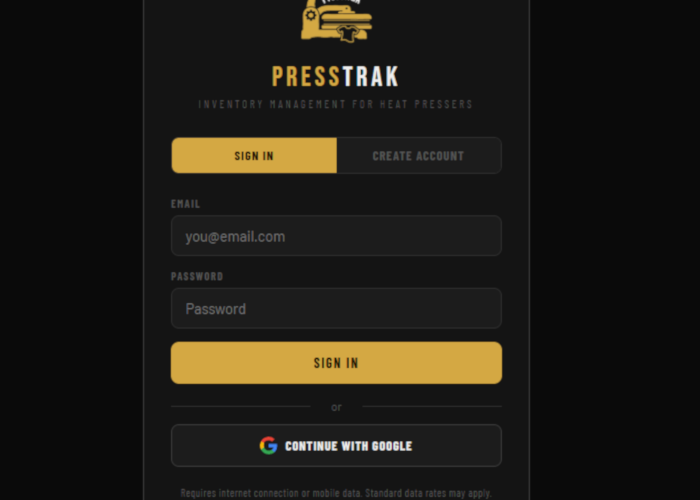
Sign up in seconds using your Google account or an email and password. No credit card required, no long forms — just a quick signup and you're in. Your inventory is tied to your account and synced to the cloud so you can access it from any device.
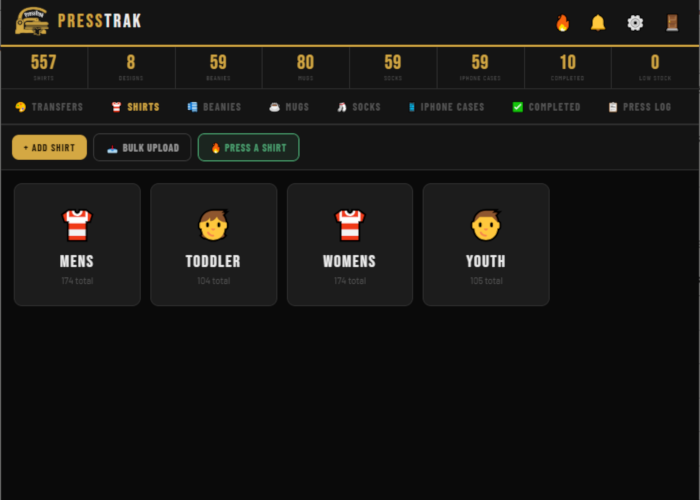
Head to the Blanks tab and start adding your shirts, hoodies, and other garment blanks. Enter the style, color, and how many you have in each size. You can add as many items as you need and edit quantities anytime — right from your phone while you're counting stock.
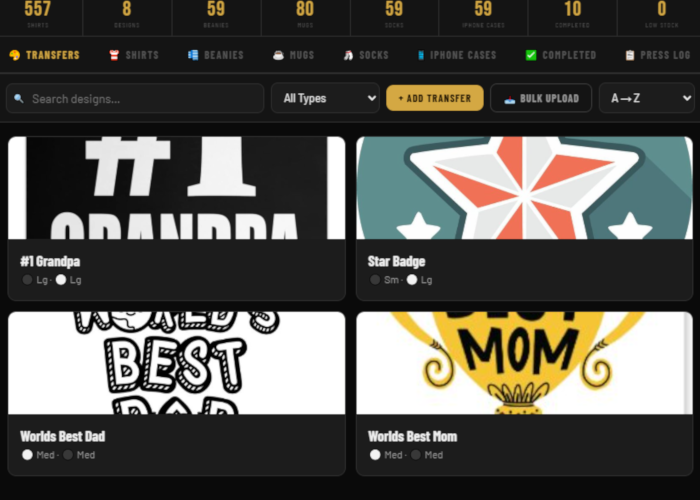
Switch to the Transfers tab and add your heat transfer inventory. Log each design with its type (DTF, plastisol, sublimation), ink color, and quantity. If you have a large catalog of designs, the search and sort features make it easy to find exactly what you're looking for.
When you press a batch of shirts, log it in the Completed tab. Record what design went on what blank, in what size, and how many you pressed. Your finished goods become their own inventory — separate from blanks and transfers — so you always know what's ready to sell or ship.
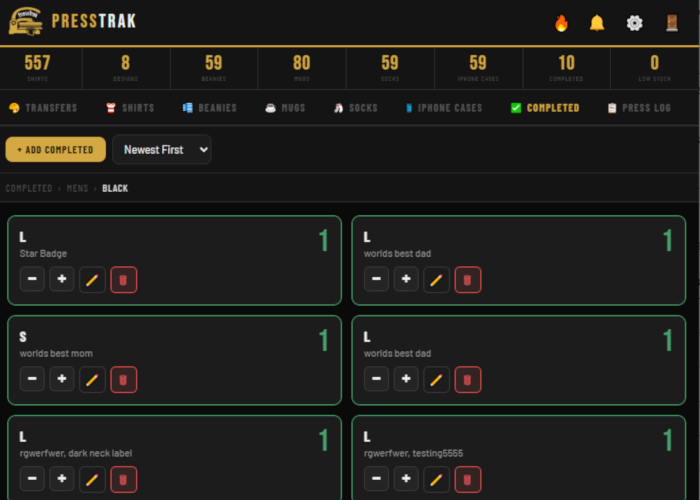
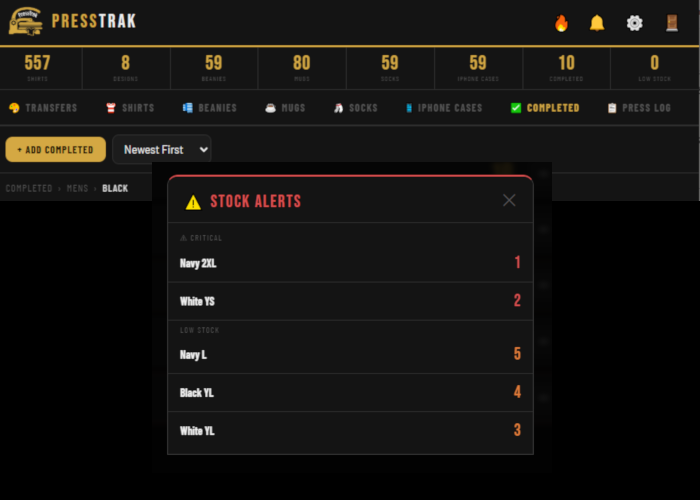
The dashboard at the top of the app shows live counts across all your inventory categories. When something drops below your set threshold, it gets flagged — orange for low, red for critical. No digging around, no manual counting. Just check the dashboard and you know exactly where you stand.
Whether you're pressing 10 shirts a week or 1,000, PressTrak scales with your operation.